
Students
The board for the whole term.
Grades, the exchange, the internship, the summer after. Pinned once, on the Mac you study on, every time you close a tab. Pay once, no subscription, no account.
What to pin
One board a term. Three things on it.
Prune it when term ends. Next term, new board, same app.
The dates. Term start, exam week, the deadline you keep forgetting. Screenshot the calendar, pin it. It is on the desktop before you open a single tab.
The place. Your desk, the library corner, the café that lets you sit for three hours. Study spots you actually go to, not the ones from someone else’s feed.
The reason. The grade, the exchange semester, the internship, the summer after. What the term is for, in pictures, behind every window you close.
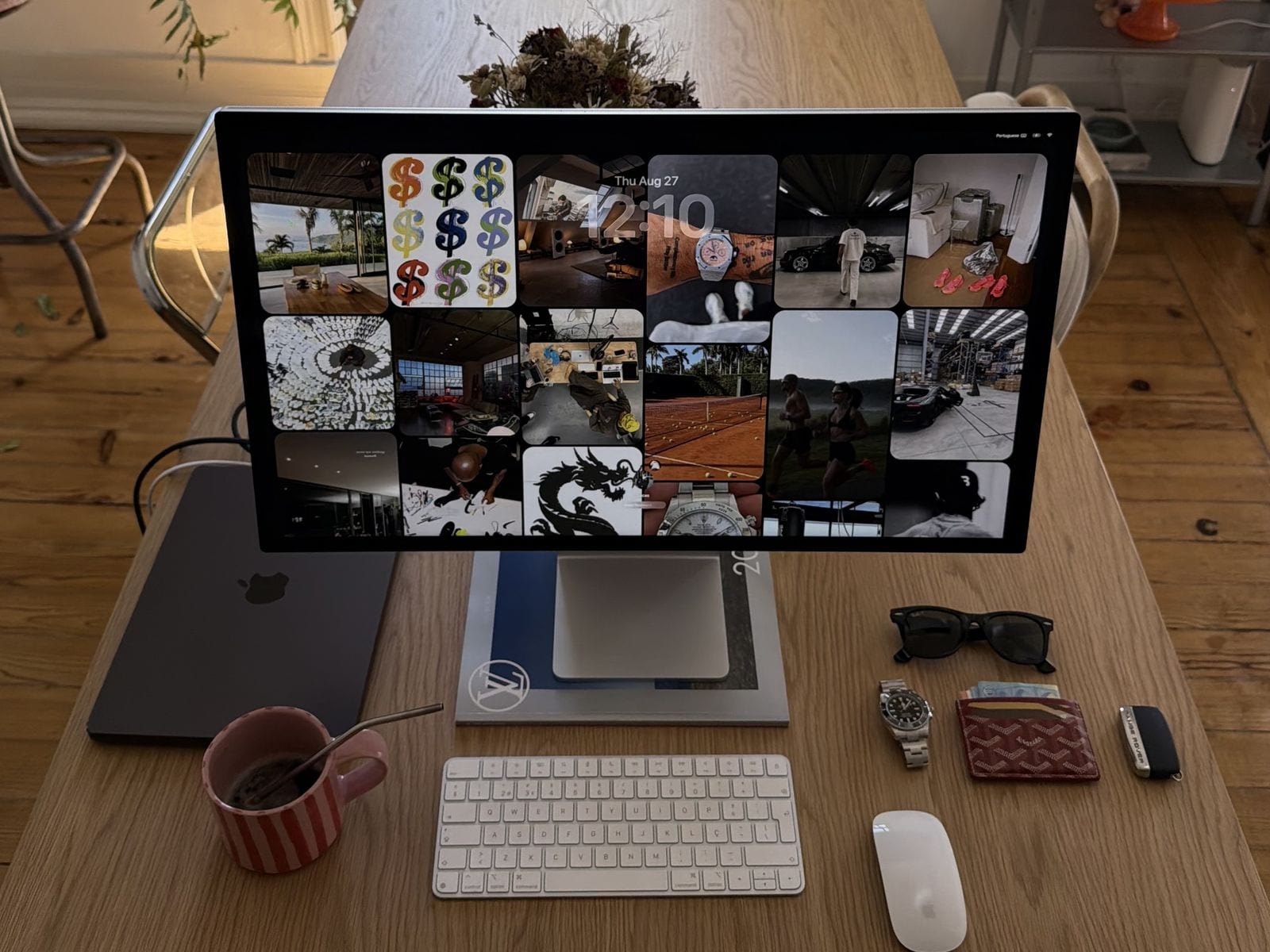
A real desk, not a render
Home desk in Lisbon, Studio Display, the Vision 2026 board on Midnight. The same board runs on a MacBook next to it, or on the old Air: any Mac on macOS 13.3 or later, Apple Silicon or Intel, 0% CPU between refreshes.
Student budget, student attention span
Cheaper than the textbook you will not open, and it asks for nothing after the first two minutes. Here is what those two minutes look like.
Pay once
$9.99, once. No subscription to forget about, no trial that turns into a charge, no account.
One key, up to 3 Macs
The desktop at home and the laptop in the library show the same board. Your Macs, your key.
Nothing to keep open
It lives in the menu bar and reshuffles every 30 minutes. Wi-Fi drops in the lecture hall, the wallpaper stays.
This term, on the desktop.
Make the board, paste the link, get on with the term.